
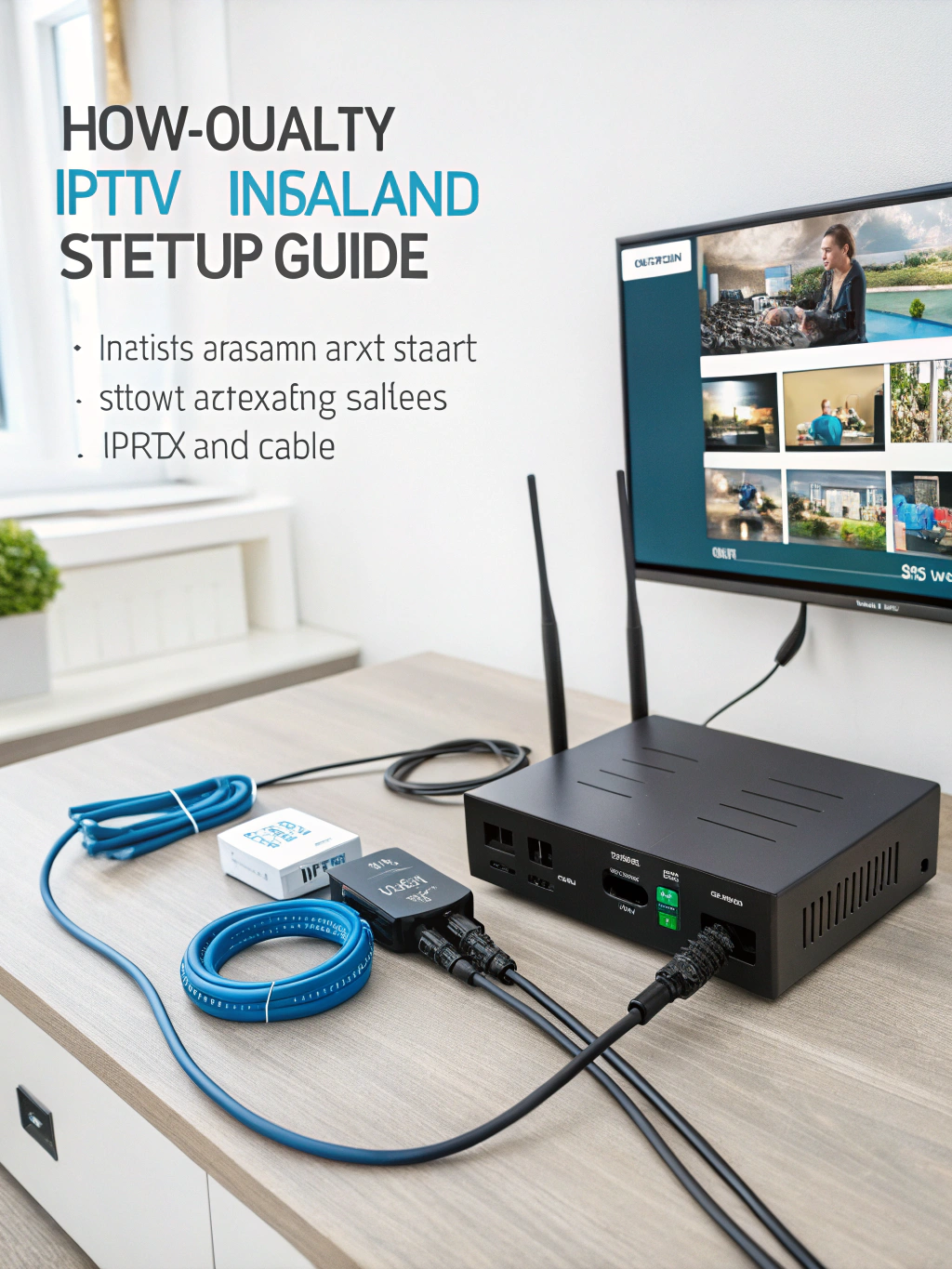
IPTV Box Setup Guide: How to Install and Start Streaming
Ready to cut the cord and embrace unlimited entertainment? Setting up an iptv box might seem intimidating at first, but it’s actually straightforward when you know the right steps.
This comprehensive guide walks you through everything from unboxing to streaming your favorite channels in minutes. Whether you’re a tech novice or experienced streamer, you’ll find actionable tips to get started today.
What Is an IPTV Box?
An IPTV box is a dedicated streaming device that delivers television content through internet protocol networks rather than traditional cable or satellite signals. These compact devices connect to your television and home internet, transforming any standard TV into a smart entertainment hub.
Unlike conventional set-top boxes from cable providers, an iptv box offers flexibility in content selection and typically provides access to thousands of live channels, on-demand movies, and international programming. The technology works by receiving compressed video signals over your broadband connection and decoding them for display.
Modern IPTV devices run on Android-based operating systems, making them compatible with countless streaming applications. They function similarly to popular devices like Amazon Fire Stick or Roku but often provide more customization options and broader content access.
Why IPTV Box Setup Matters
- Cost Savings: Cord-cutters typically save $50-$150 monthly compared to traditional cable subscriptions while accessing more content variety.
- Content Freedom: Access international channels, sports packages, and niche programming unavailable through conventional providers.
- Portability: Take your entertainment anywhere with internet access perfect for travelers, students, and vacation homes.
- No Contracts: Enjoy month-to-month flexibility without long-term commitments or early termination fees.
- Growing Industry: The IPTV market is projected to reach $194 billion by 2025, indicating mainstream adoption and improved service quality.
For viewers in the United States, an iptv box usa setup provides access to local networks, premium sports channels, and international content that traditional providers often bundle at premium prices.
Key Features of Quality IPTV Boxes
- 4K Ultra HD Support: Premium devices deliver crystal-clear picture quality with HDR compatibility for stunning visuals on modern televisions.
- Dual-Band WiFi: 5GHz connectivity ensures stable streaming without buffering, essential for live sports and HD content.
- Expandable Storage: MicroSD slots and USB ports allow additional storage for apps, recordings, and media files.
- Voice Control: Built-in microphones enable hands-free navigation through Google Assistant or Alexa integration.
- Bluetooth Connectivity: Pair wireless keyboards, gaming controllers, or headphones for enhanced functionality.
- Multiple App Support: Access Netflix, YouTube, Spotify, and thousands of other applications alongside IPTV services.
In-Depth Explanation: How IPTV Technology Works
Understanding the underlying technology helps troubleshoot issues and optimize your streaming experience. IPTV operates through a client-server architecture where content providers maintain servers that store and transmit video data.
When you select a channel, your iptv box sends a request to the provider’s server. The server then streams the content in small data packets through your internet connection. Your device reassembles these packets and decodes them into watchable video.
Three primary IPTV formats exist: live television broadcasts, time-shifted programming allowing replay of aired content, and video-on-demand libraries. Most services combine all three, creating comprehensive entertainment packages.
Bandwidth requirements vary based on video quality. Standard definition streams require approximately 3-4 Mbps, while 4K content demands 25+ Mbps for smooth playback. A stable connection matters more than raw speed—wired ethernet connections consistently outperform WiFi for reliability.
Step-by-Step IPTV Box Setup Guide
- Unbox and Inspect Components: Verify your package includes the IPTV device, power adapter, HDMI cable, remote control, and user manual. Some premium boxes include ethernet cables and additional accessories. Check for physical damage before proceeding.
- Connect Hardware: Plug the HDMI cable into your television’s HDMI port and the device’s output port. Connect the power adapter to the box and a wall outlet. For optimal performance, use an ethernet cable connected to your router instead of relying on WiFi.
- Initial Device Setup: Power on your television and select the correct HDMI input. The device will boot automatically, displaying a setup wizard. Select your language, region, and time zone preferences.
- Configure Network Connection: Navigate to network settings and select your WiFi network or confirm ethernet connectivity. Enter your WiFi password if applicable. Run a speed test to verify adequate bandwidth for streaming.
- Update System Software: Check for firmware updates before installing applications. Updates often include performance improvements, security patches, and new features. Allow the device to restart after updating.
- Install IPTV Application: Download your provider’s recommended application from the Google Play Store or sideload the APK file if necessary. Popular apps include IPTV Smarters, TiviMate, and GSE Smart IPTV.
- Enter Subscription Credentials: Launch the IPTV application and input your service credentials. This typically involves entering an M3U URL, Xtream Codes login, or MAC address depending on your provider’s system.
- Customize Settings: Configure electronic program guide (EPG) sources, set favorite channels, adjust video player settings, and enable parental controls if needed. Most apps allow extensive personalization.
Pros and Cons of IPTV Boxes
- Pros:
- Significantly lower monthly costs than cable subscriptions
- Access to thousands of international channels
- No equipment rental fees or installation appointments
- Portable entertainment solution
- Extensive on-demand content libraries
- Regular software updates and improvements
- Cons:
- Requires stable, high-speed internet connection
- Initial learning curve for non-technical users
- Service quality varies between providers
- Some content may have legal gray areas
- Occasional buffering during peak usage times
Frequently Asked Questions About IPTV Box Setup
What internet speed do I need for IPTV streaming?
A minimum of 15-25 Mbps provides reliable HD streaming. For 4K content or multiple simultaneous streams, 50+ Mbps is recommended. Consistent speed matters more than peak bandwidth test your connection during typical viewing hours.
Can I use an IPTV box with any television?
Yes, any TV with an HDMI input works with modern IPTV devices. Older televisions may require HDMI-to-AV converters. Smart TV features aren’t necessary since the box provides all streaming functionality.
Do I need a VPN with my IPTV box?
A VPN adds privacy protection and can improve streaming reliability by preventing ISP throttling. While not mandatory, many users prefer the additional security layer, especially when accessing geo-restricted content.
How many devices can I connect to one IPTV subscription?
This depends on your service provider. Most subscriptions support 1-3 simultaneous connections. Family plans often allow 5+ devices. Check your provider’s terms before sharing credentials.
Why is my IPTV buffering constantly?
Common causes include insufficient bandwidth, WiFi interference, server overload, or outdated applications. Try switching to ethernet, updating your app, or contacting your provider about server status.
Can I record shows on an IPTV box?
Many IPTV applications support recording functionality when paired with adequate storage. Some services offer cloud DVR features. Check your specific app’s capabilities and storage requirements.
Best IPTV Box Alternatives and Competitors
Amazon Fire TV Stick 4K Max: Excellent mainstream option with Alexa integration and widespread app compatibility. Ideal for users prioritizing ease of use over customization.
NVIDIA Shield TV Pro: Premium Android TV device with powerful processing, Dolby Vision support, and gaming capabilities. Best for enthusiasts seeking maximum performance.
Formuler Z10 Pro Max: Purpose-built for IPTV with dedicated MyTVOnline application. Offers exceptional EPG integration and user-friendly interface.
Xiaomi Mi Box S: Budget-friendly Android TV option with 4K support and Google Assistant. Great entry point for beginners exploring IPTV.
BuzzTV XRS 4500: Popular among IPTV enthusiasts for reliability and dedicated streaming optimization features.
Expert Tips and Insights for IPTV Box Users
Optimize Your Network: Position your router centrally and minimize obstacles between it and your streaming device. Consider mesh WiFi systems for larger homes or powerline adapters for difficult layouts.
Use Quality HDMI Cables: Cheap cables can cause signal degradation, especially for 4K content. Invest in certified high-speed HDMI cables rated for your resolution requirements.
Maintain Your Device: Regularly clear cache, uninstall unused applications, and restart your iptv box weekly. This prevents performance degradation and memory issues.
Backup Your Settings: Export your channel lists, favorites, and application configurations periodically. This saves hours of reconfiguration if you need to reset or replace your device.
Test Multiple Players: Different video players handle various stream formats differently. Experiment with VLC, MX Player, and built-in options to find optimal playback for your content.
Common IPTV Box Setup Mistakes to Avoid
- Skipping Firmware Updates: Outdated software causes compatibility issues and security vulnerabilities. Always update before troubleshooting problems many issues resolve automatically with current firmware.
- Ignoring Ethernet Options: WiFi convenience often sacrifices streaming stability. Even short ethernet runs dramatically improve reliability, especially for live sports and premium content.
- Choosing Providers Based Only on Price: Extremely cheap services often deliver poor quality, unreliable uptime, and limited support. Research provider reputations and request trials before committing.
- Overloading Device Storage: Installing excessive applications slows performance significantly. Keep only essential apps and regularly remove unused software to maintain responsiveness.
- Neglecting Power Quality: Voltage fluctuations damage electronics and cause unexpected reboots. Use surge protectors or uninterruptible power supplies for valuable streaming equipment.
Conclusion
Setting up an iptv box may seem overwhelming at first, but once you understand the process, it becomes one of the simplest and most rewarding upgrades you can make to your home entertainment system. With the right device, a stable internet connection, and a reliable IPTV service, you gain access to thousands of channels, premium sports coverage, international programming, and massive on-demand libraries all at a fraction of traditional cable costs.
Whether you’re switching to IPTV for the savings, the content variety, or the convenience of watching wherever you go, an IPTV box puts complete control of your entertainment experience in your hands. Modern devices offer powerful performance, stunning 4K visuals, easy app integration, and endless customization options that cable boxes simply can’t match.
As IPTV continues to grow worldwide, now is the perfect time to embrace the flexibility and freedom it offers. Choose a device that fits your needs, follow the setup steps outlined in this guide, and unlock a world of unlimited streaming possibilities.
Your cord-cutting journey starts today set up your IPTV box and enjoy the future of television.